Instructions for Installing and Completing the Electronic Volunteer Angler Logbook
The Volunteer Angler Logbook (VAL) program is primarily geared towards striped bass fishermen as a means of collecting additional length, catch, and effort data, but is open to anglers who fish for any saltwater species. Although we conduct the MRIP Access Point Angler Intercept Survey (APAIS), our interviewers don’t come across many striped bass because of the size and bag limits of the fishery and many anglers opting for catch and release. The VAL program is quite simple. An angler records information about fish harvested or released during each trip for themselves and any fishing companions, even if no fish were caught! Additional information about each trip is also recorded, including time spent fishing, area fished, number of anglers, and target species. The data is extremely valuable to Maine and federal managers to assess the health of the striped bass population.
Downloading the Electronic Logbook
To use the Electronic Logbook, you will need to download the app called “ArcGIS Survey123” on your smart device.
Open your app store and search for ArcGIS Survey123 to download the app.
Open the app and select “Continue without signing in”.
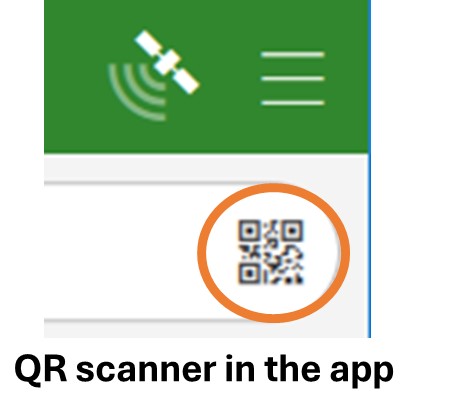
Click on the QR code scanner in the search bar (see picture) and scan the 2026 QR code below to download the survey.
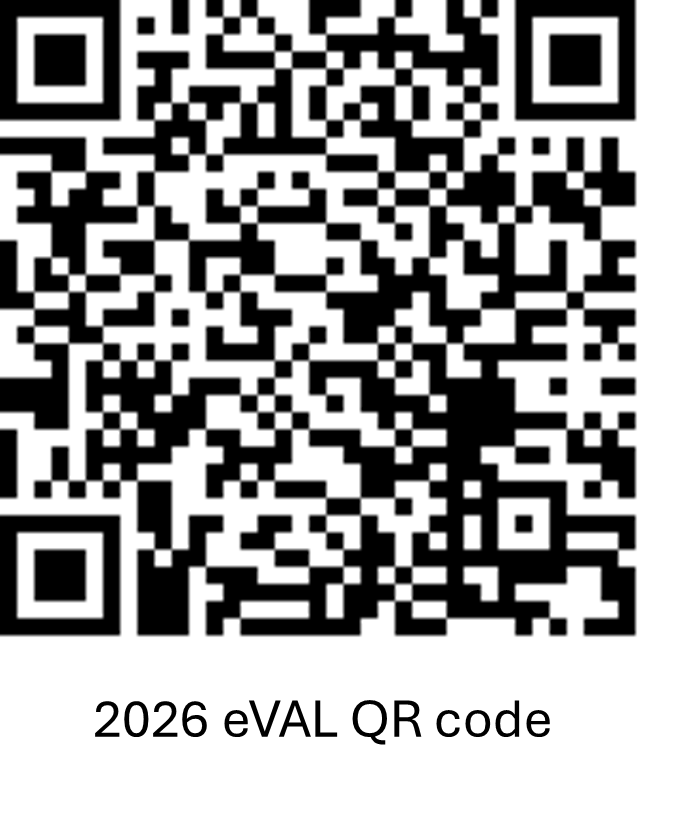
Once downloaded, the survey will remain on the app. If the survey is updated on DMR’s end, you will receive a notification to update.
Using the Electronic Logbook
Participant Information
Enter your First Name, Last Name, and Email address.
Trip Details
Enter the fishing trip Date and Fishing Start Time using the calendar and drop-down box that appear when you select the line. The date and time will automatically populate to the present day and time.
Enter the fishing Trip Number for the season (only record Maine saltwater fishing trips).
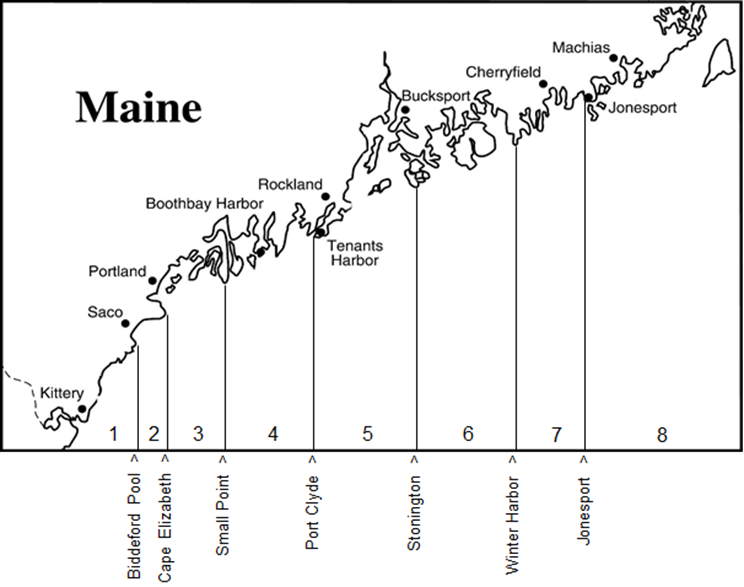
Use the drop-down menus to select the correct Trip Type and Area Fished for your fishing trip.
The map below can help you determine the Area Fished:
Select the Fishing Platform and Distance Fished from Shore for the current fishing trip. Select all that apply.
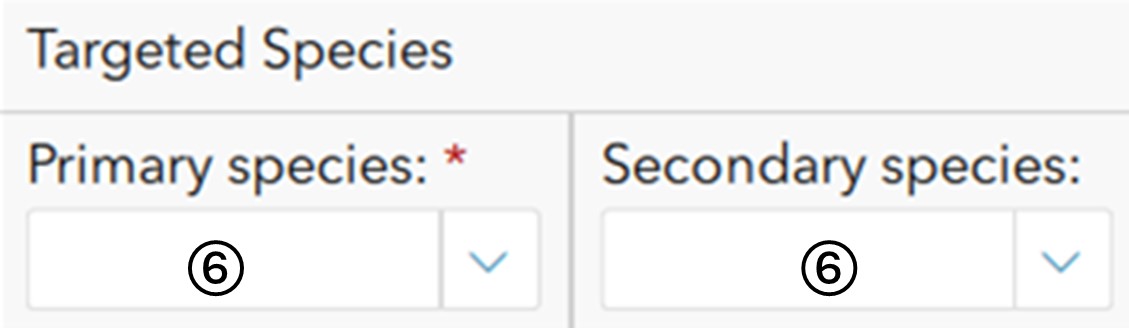
Enter the Primary and Secondary Species Targeted for the current fishing trip.
If the species you targeted is not listed, select “other” and type in the species.
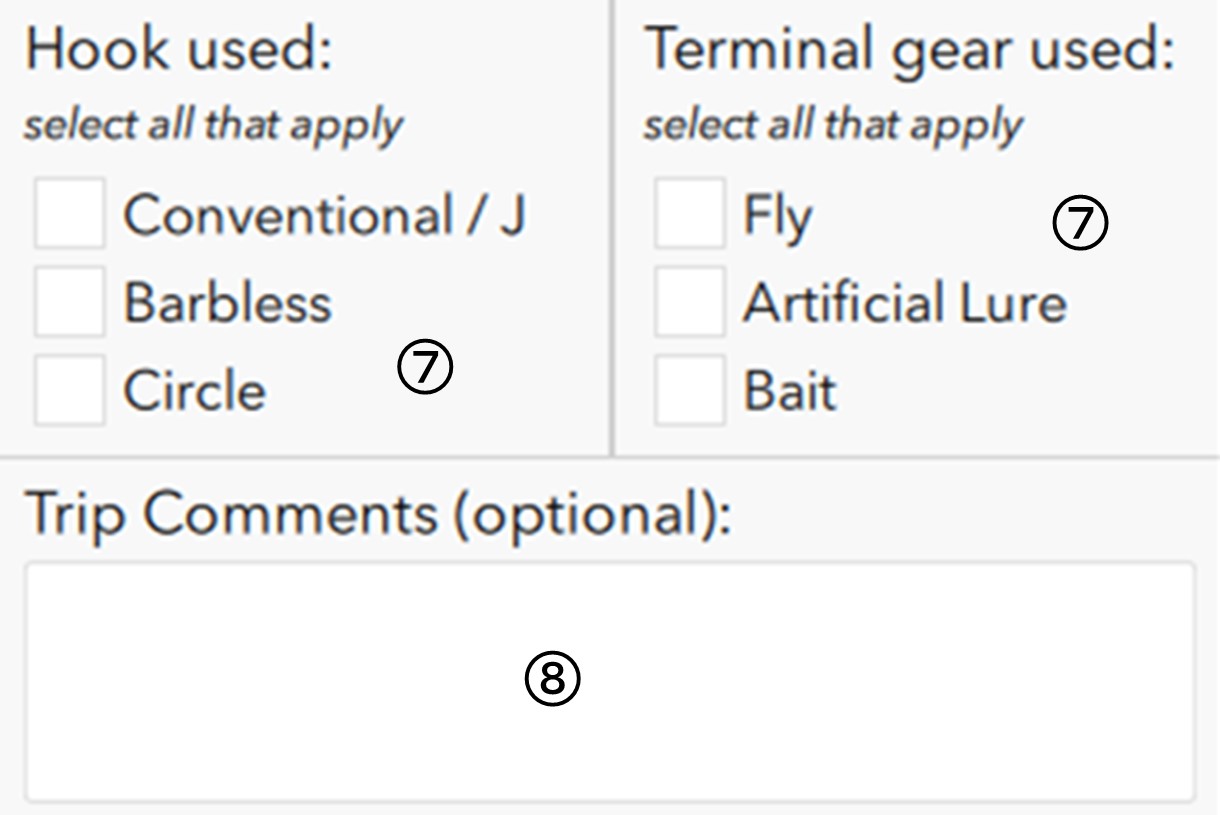
Select the Hook Used and Terminal Gear Used for the current fishing trip. Select all that apply.
Trip Comments: an area for your personal record (optional).
Catch Details
Enter the Number of Anglers Reporting in your party whose information is being recorded, whether they caught fish or not.
Enter the number of hours that you had lines in the water, to the nearest half hour (0.5).
Did you catch any fish? Select the correct circle for the current fishing trip. If you selected “yes”, the following questions will appear.
Did you measure or estimate the length of any fish? Select the correct circle for the current fishing trip. If you selected “yes”, a 4th survey page will appear.
For the Species and Catch Measurement section, use the “+” to add entries and the “trash can” to delete entries. Entered species will show up in green next to Species Caught or Species Measured.
Repeat questions in the blue box below for each species caught and questions in the orange box for each fish measurement. Summary tables underneath each of the sections show the entries made.
Enter the Caught Species for the current fishing trip.
Indicate the number of Kept Fish of that species for the current fishing trip.
Indicate the number of Released Fish of that species for the current fishing trip.
Species Comments: an area for your personal record.
Click on the “+” to add another species and repeat this process until all species caught are entered.
Indicate the Measured Fish Species for the following entry.
Select whether the fish was Released or Kept.
Select whether the fish was caught using a Tube Rig setup.
Enter the total Length (in.) of the fish and select whether Lengths were Measured or Estimated.
If available, enter the total Weight (lbs.) of the fish and select whether Weights were Measured or Estimated.
Catch Measurement Notes: an area for your personal record (optional).
Click on the “+” to add another species and repeat this process until all species caught are entered.
Optional: Add photos you want DMR staff to see, and any comments/thoughts associated with the photos.
More detailed survey instructions with screenshots
1. Enter your First Name, Last Name, and Email in the appropriate rows.
Required fields are marked with a *.
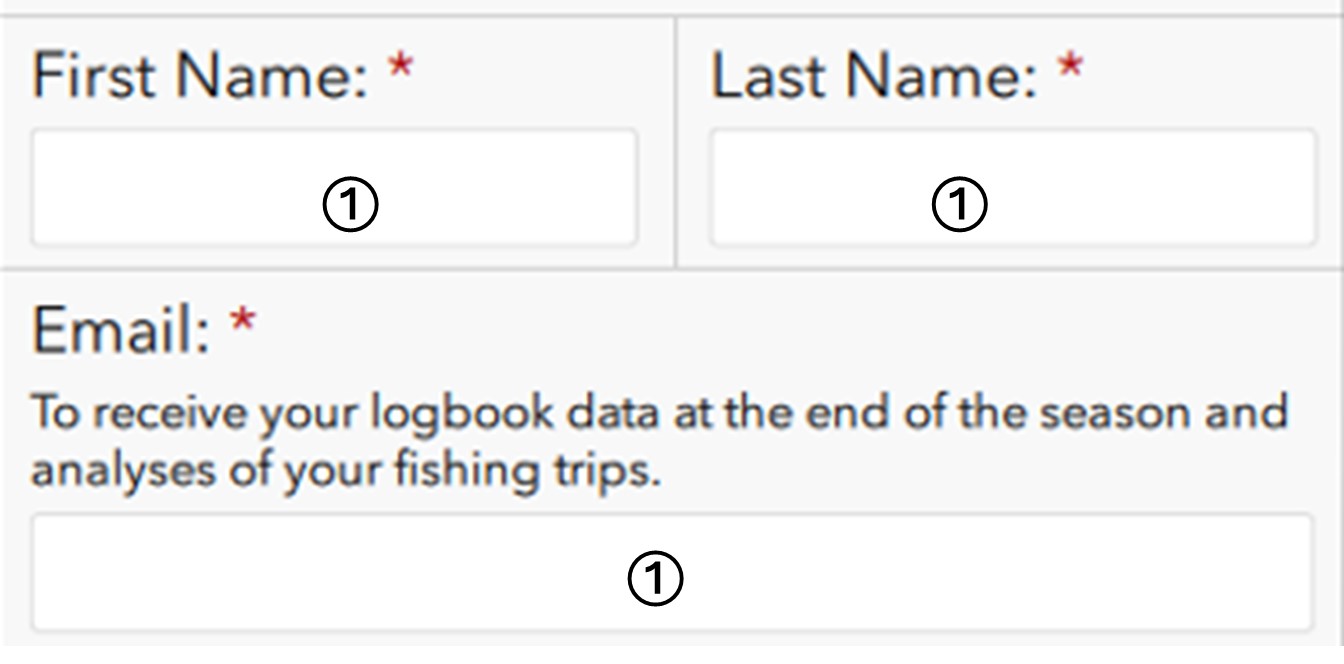
Use the left and right arrows to navigate through the sections.

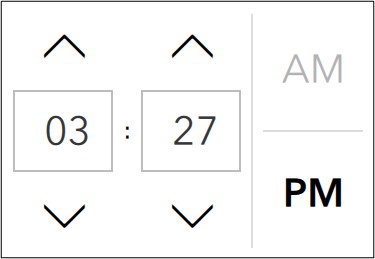
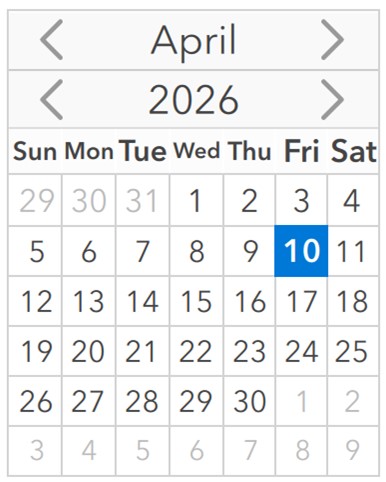
2. Enter the fishing trip Date and Time using the calendar and drop-down box when you select the line.
This field will automatically populate to the present day and time. To adjust, tap on the date or time to show the drop-down menu.
3. Enter the fishing Trip Number for the season (record only Maine saltwater fishing trips).
4. Enter or click the drop-down button to enter the correct Trip Type.
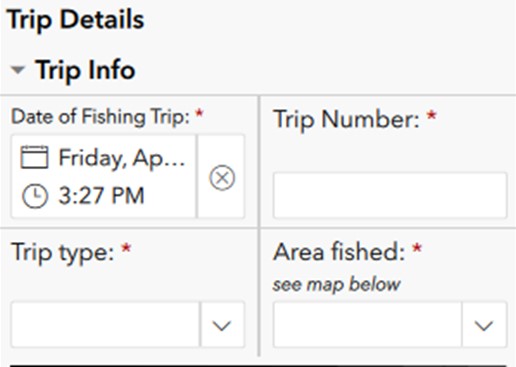
Question 4: Trip Type.
5. Enter or click the drop-down button to enter the correct Area Fished, Fishing Platform, and Distance fished from shore.
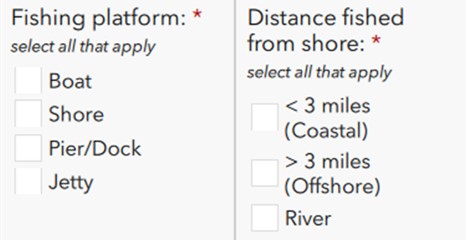
6. Enter the Primary and Secondary Species Targeted for the current fishing trip.
If the species is not listed, select “other” and indicate the species.
7. Select the correct circle to indicate the Terminal Gear Used and Hook Used for the current fishing trip.
8. Trip Comments: an area for your personal record (optional).
9. Enter the Number of Anglers Reporting in your party whose information is being recorded.
10. Enter the number of Hours that you had Lines in the Water.
11. Fish Caught? Select the correct circle.
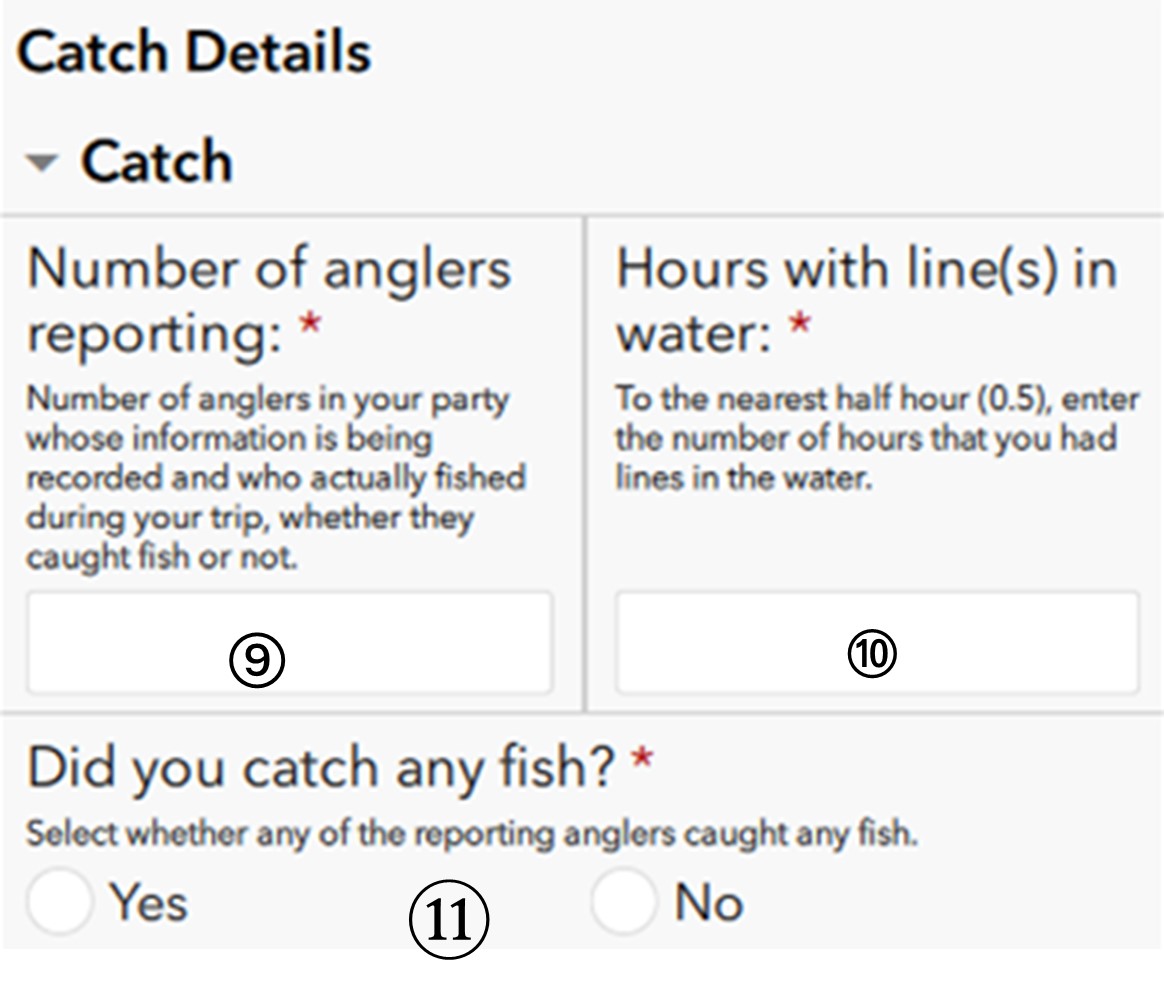
If “yes” was selected, the following questions will appear below.
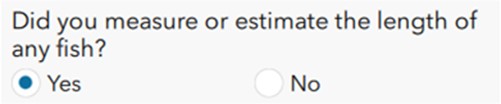
12. Did you measure or estimate the length of any fish? If you select “yes”, a fourth page will appear on the survey.
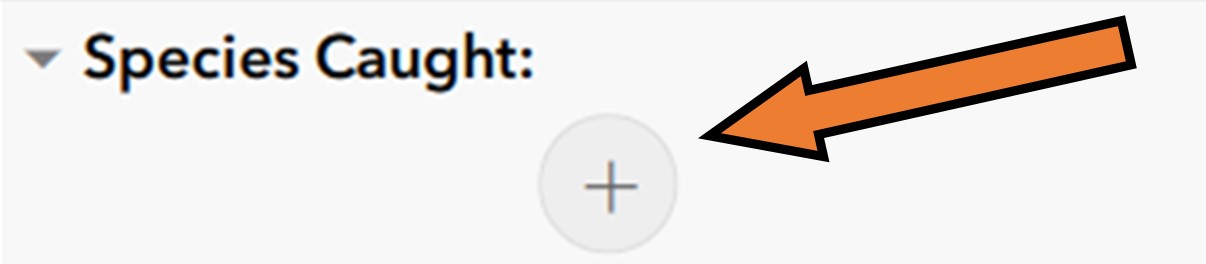
For the Species section use “+” to add entries and “trash can” to delete entries. Entered species will appear in green next to Species Caught. Repeat questions 13 – 15 for each fish species caught.
13. Enter the Caught Species for the current fishing trip.
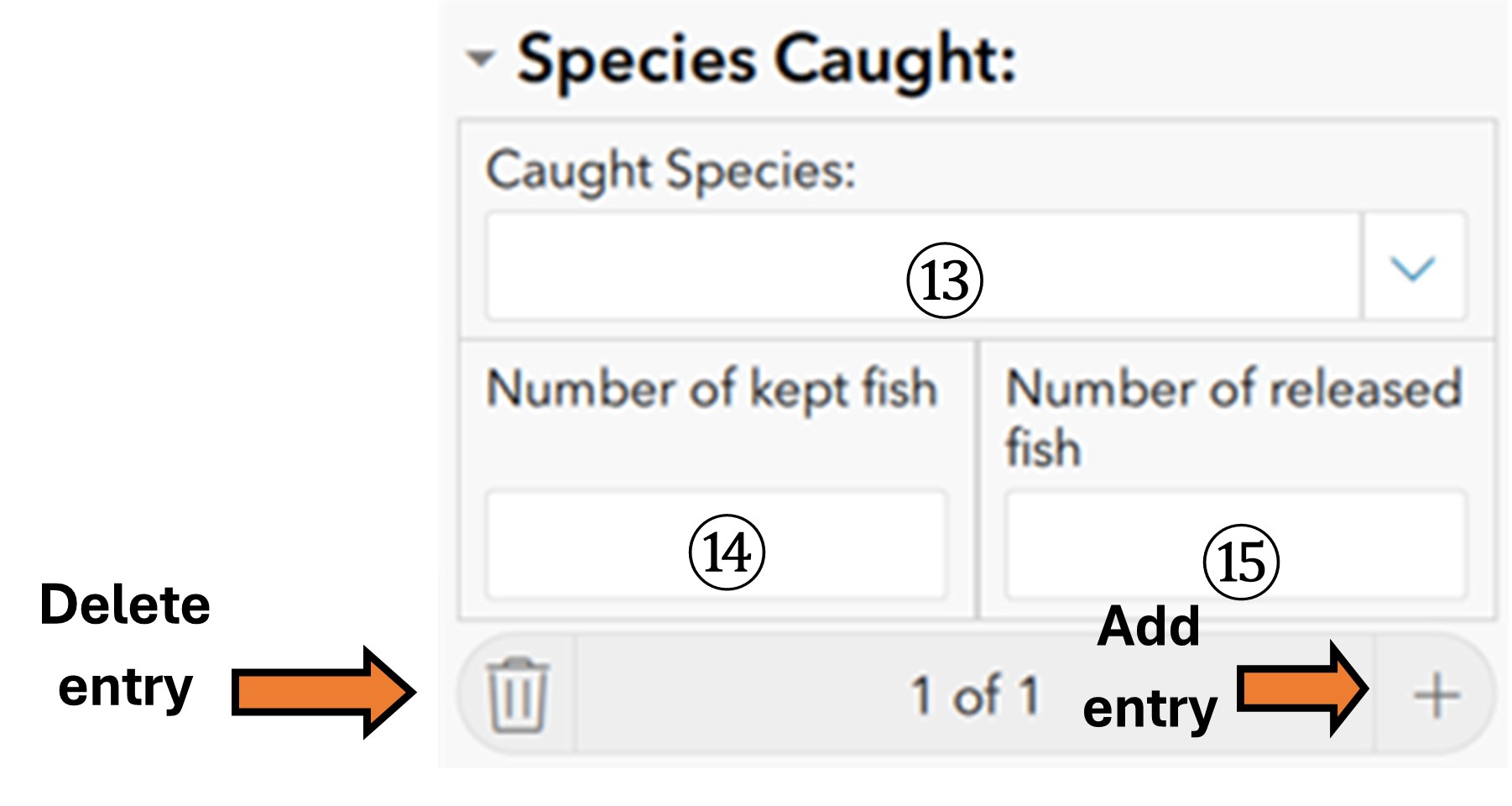
14. Indicate the number of Kept Fish for the current fishing trip.
15. Indicate the number of Released Fish for the current fishing trip.
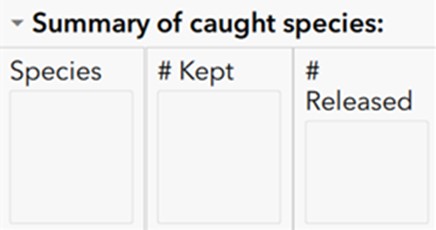
Entered species and amounts will show up in the table above.
16. Species Comments: an area for your personal record (optional).

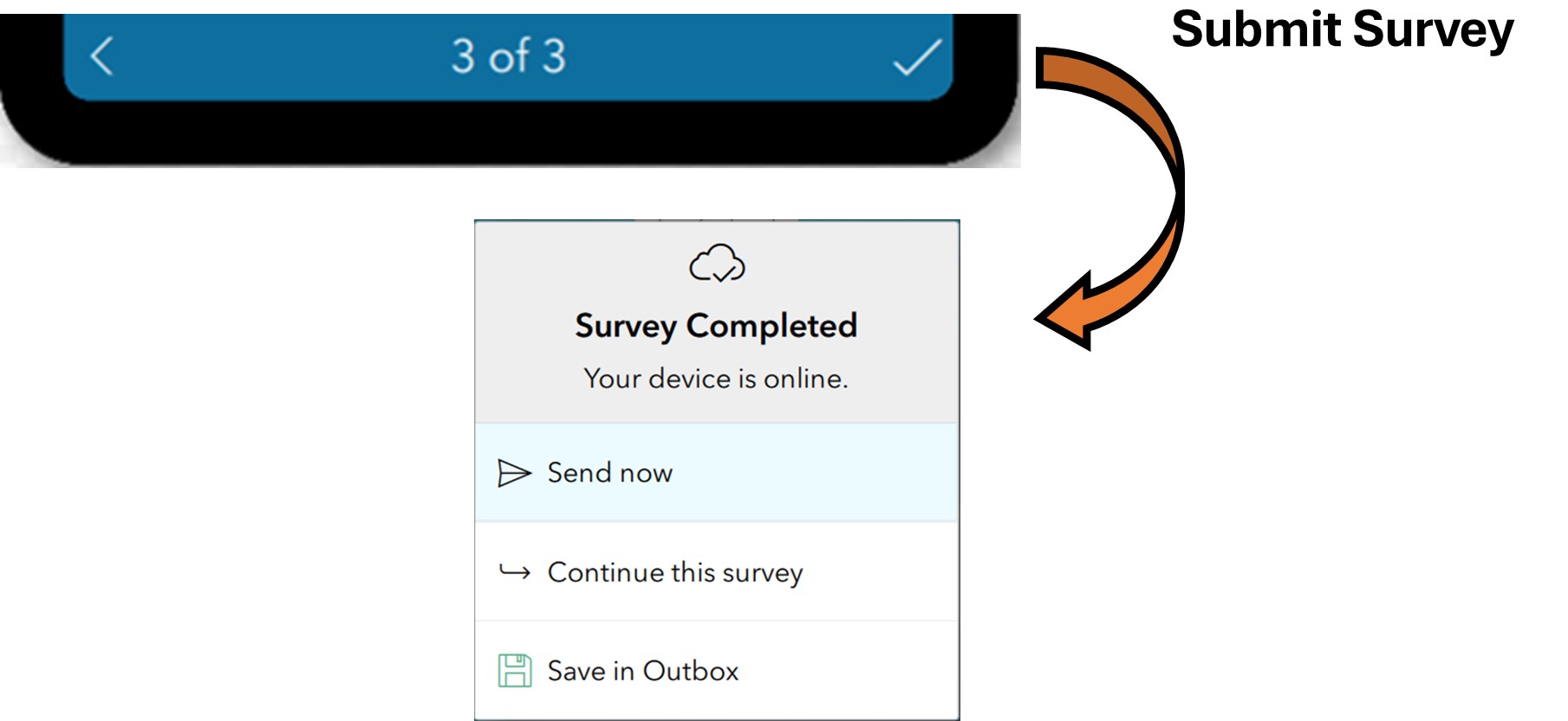
If you don’t have fish measurements to enter, click the checkmark to submit the survey.
When cell service/Wi-Fi is detected, you will be able to send survey to DMR.
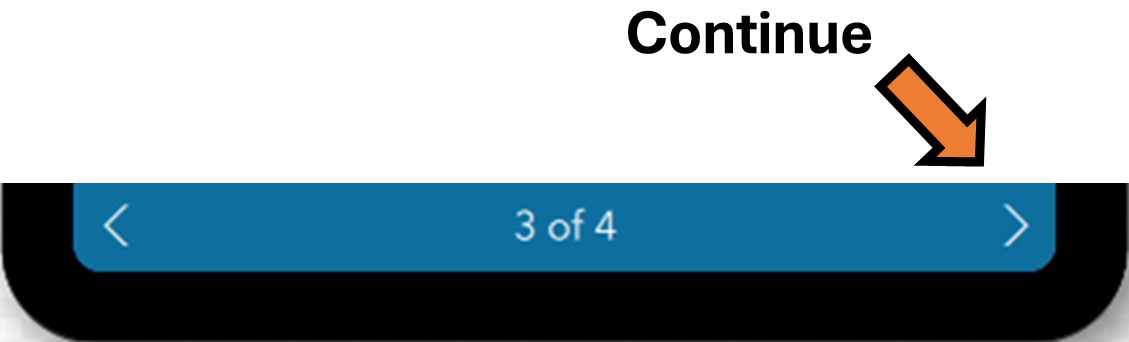
If you have measurements to enter, click the right arrow to continue to the Catch Measurement section on next page.
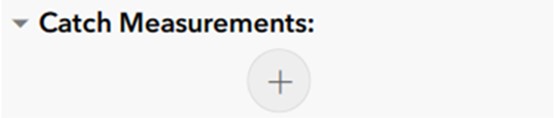
For the Catch Measurement section use “+” to add entries and “trash can” to delete entries. Entered species will appear in red next to Catch Measurements.
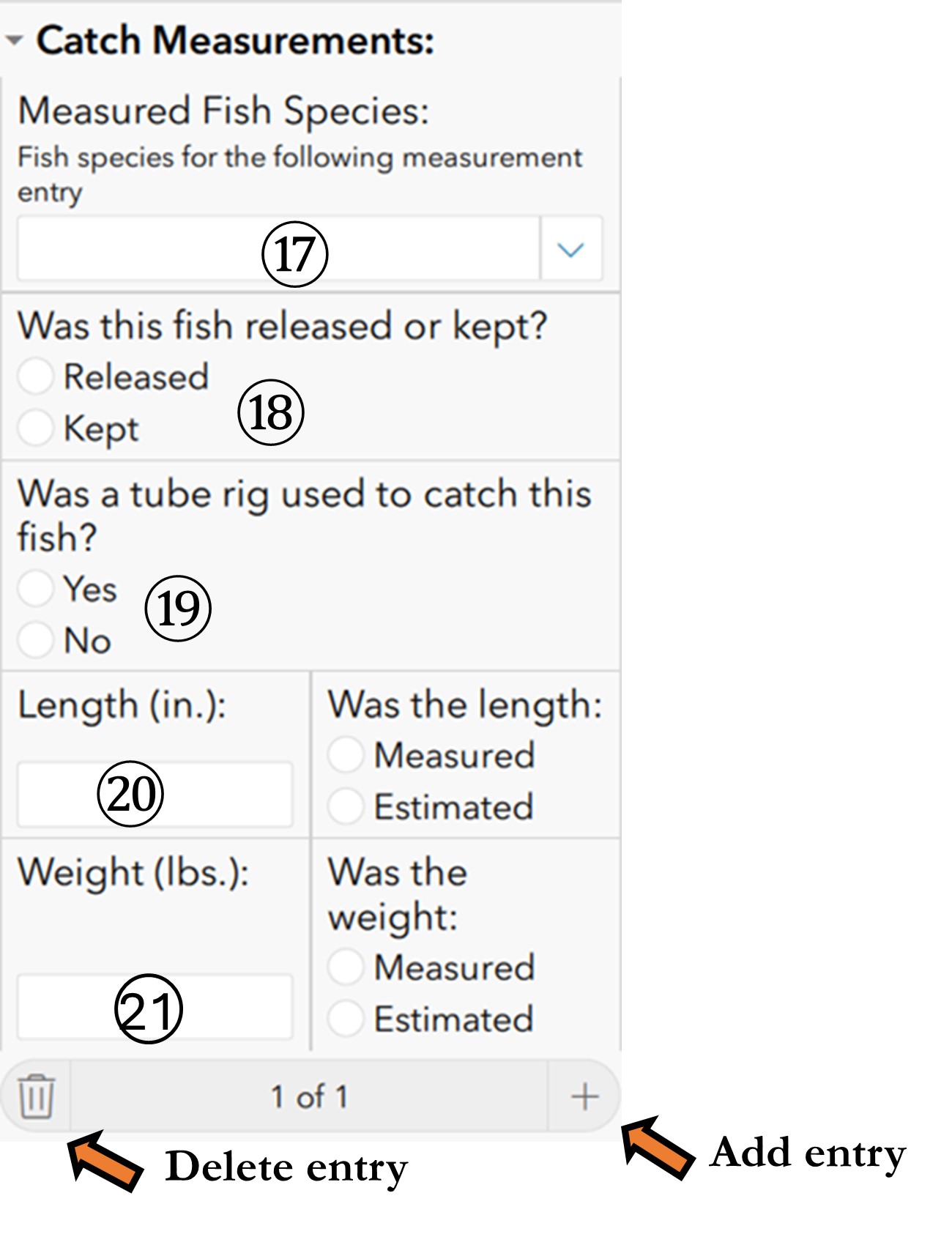
17. Indicate the Measured Fish Species for the following data.
18. Select whether the fish was Released or Kept
19. “Was a tube rig used to catch this fish?”
20. Enter the total Length (in.) of the fish and whether they were Measured or Estimated.
21. Enter the total Weight (lbs.) of the fish and whether they were Measured or Estimated.
Repeat questions 17 – 21 for each fish species caught.
22. Catch Measurement Notes: an area for your personal record (optional).

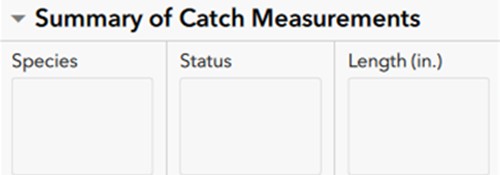
Entered fish measurements will be listed in the table above.
Please contact us if you have any questions and thank you for your participation!
- DMR Recreational Fishing Program Staff