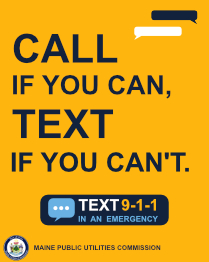
Examples of times when it may be best to text, instead of call, 911:
- Domestic Violence environment
- Home invasion
- Kidnapping or abduction scenario
- If you are deaf, hard-of-hearing, or late-deafened
- You have low or intermittent service connection
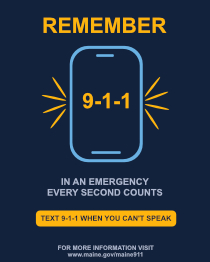
How to text 911:
1. Open the texting application on your wireless device
2. Enter 911 in the “To” field
3. Type your message including the exact location of the emergency, and services needed.
4. Wait. There will be a delay in response, be sure to wait for a response, keeping your phone with you during this time.
5. Answer any questions and follow all instructions given.
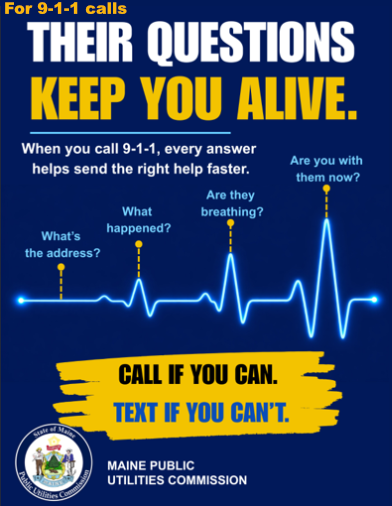
Important things to remember:
Texting only works using SMS technology, and will not work on message applications such as Messenger, WhatsApp or Telegram.
You can text to 911 only using SMS applications on a wireless device that includes a texting plan. Uninitialized phones or phones not connected to a paid network cannot text 911.
You cannot send images or videos to 911, so simply stick to plain, unabbreviated text.
Your first outbound text should be as detailed and concise as possible, including the exact location of the emergency, what services you need (Police, Fire or EMS) and if there are any safety or weapon concerns.